
Send Bulk Emails
Send an email to one or more guest groups immediately.
Overview
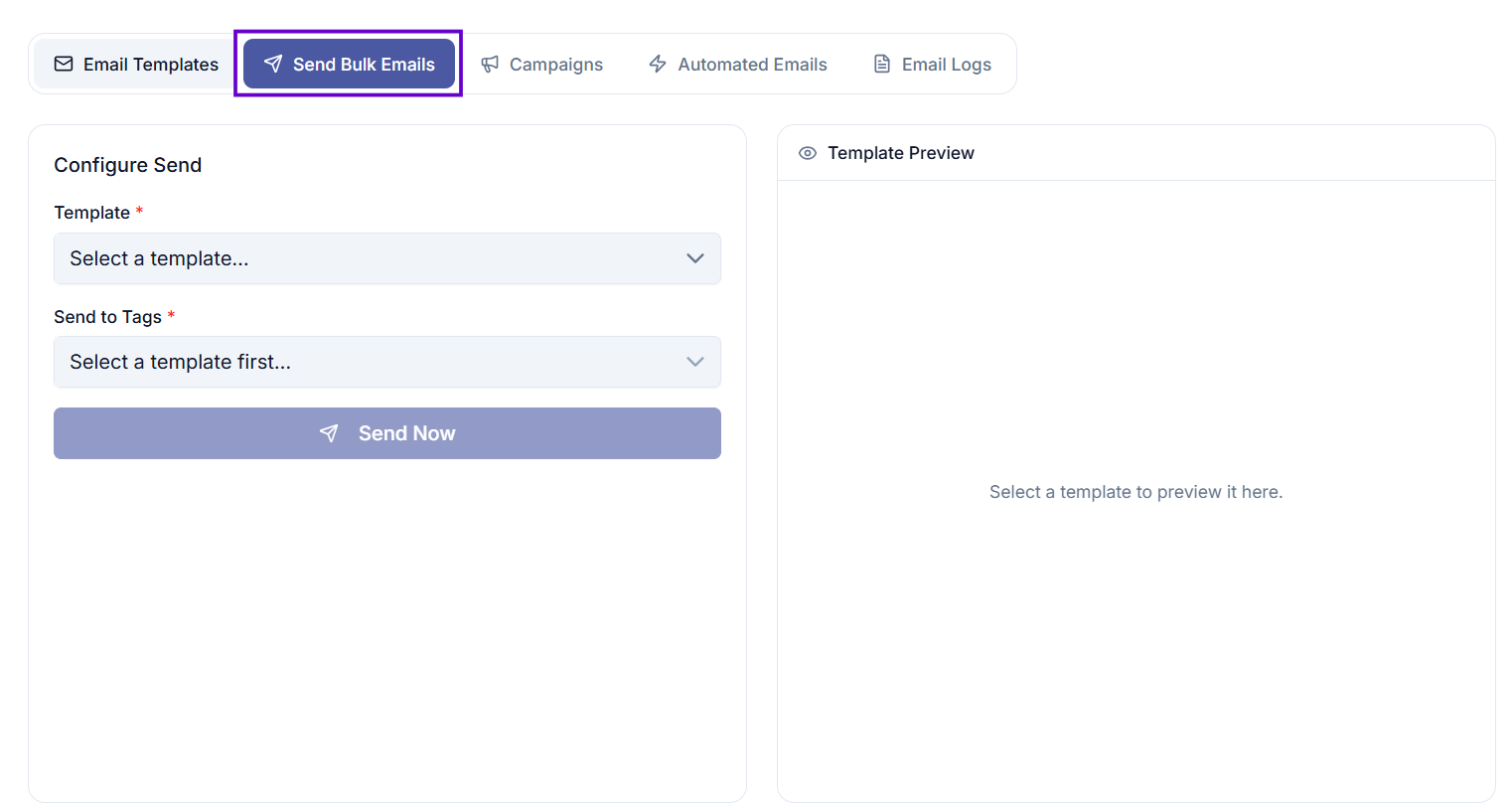
Send Bulk Emails lets you pick an existing email template and send it immediately to one or more guest groups (tags). You can preview the template before sending and see exactly how many guests will receive the email.
Use this when you want to send a one-off message to your guests right away — for example, a last-minute announcement or a reminder that does not need to be scheduled in advance.
Where to find it
Go to Email Management, then select the Send Bulk Emails tab.
Before you start
- You need the Send Email permission for this event.
- At least one Email Template must exist for this event.
- Your guests must be organised into Tags (guest groups).
How to send a bulk email
Step 1 — Select a template
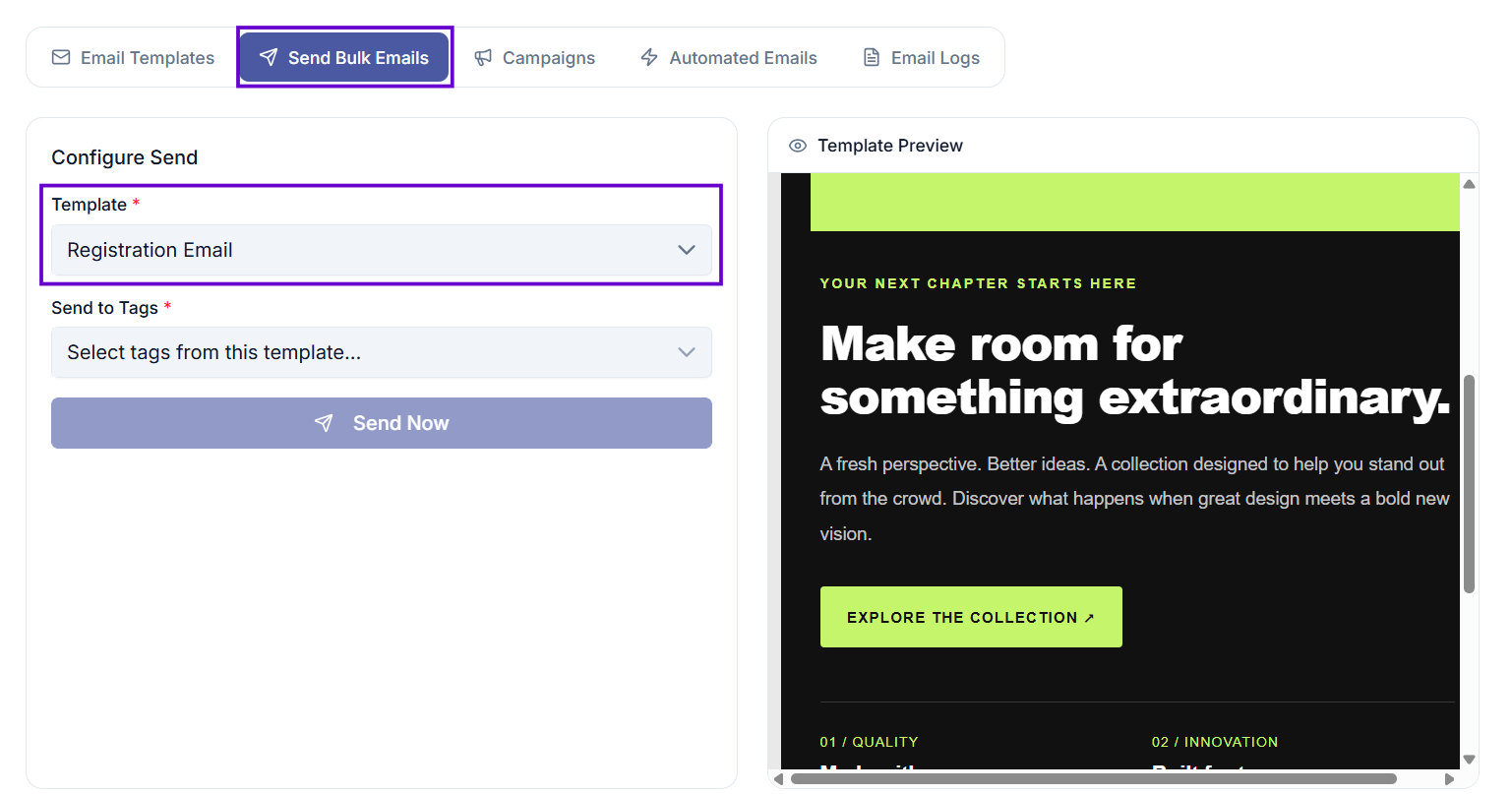
Choose the email template you want to send from the Template dropdown.
Once selected, a preview of the template will appear on the right side of the screen.
Step 2 — Select the recipient groups
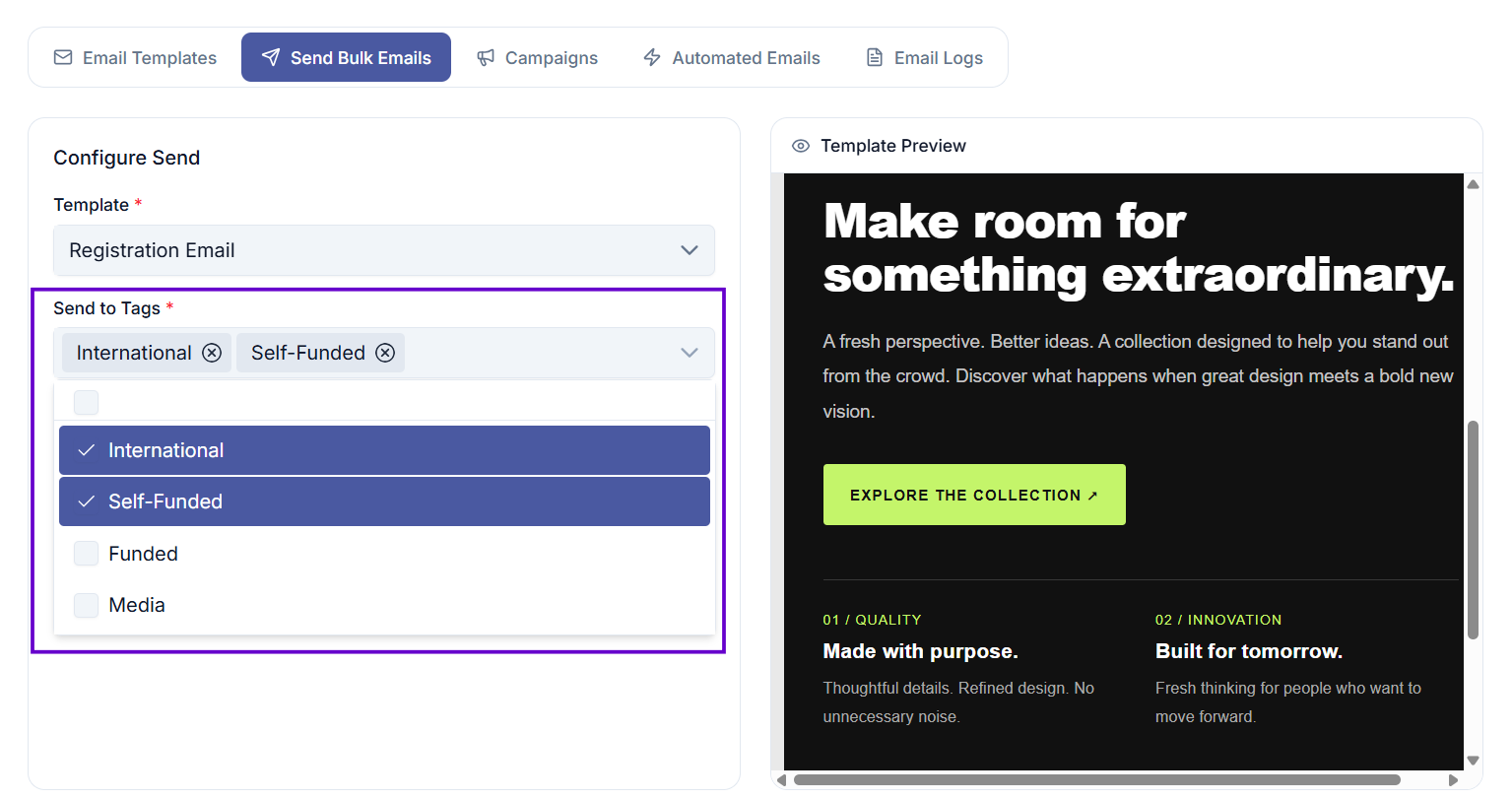
In the Send to Tags field, choose one or more guest groups (tags) that should receive this email.
If the template was created with specific tags assigned, only those tags will appear here. If the template has no tag restriction, you can choose from all guest groups for this event.
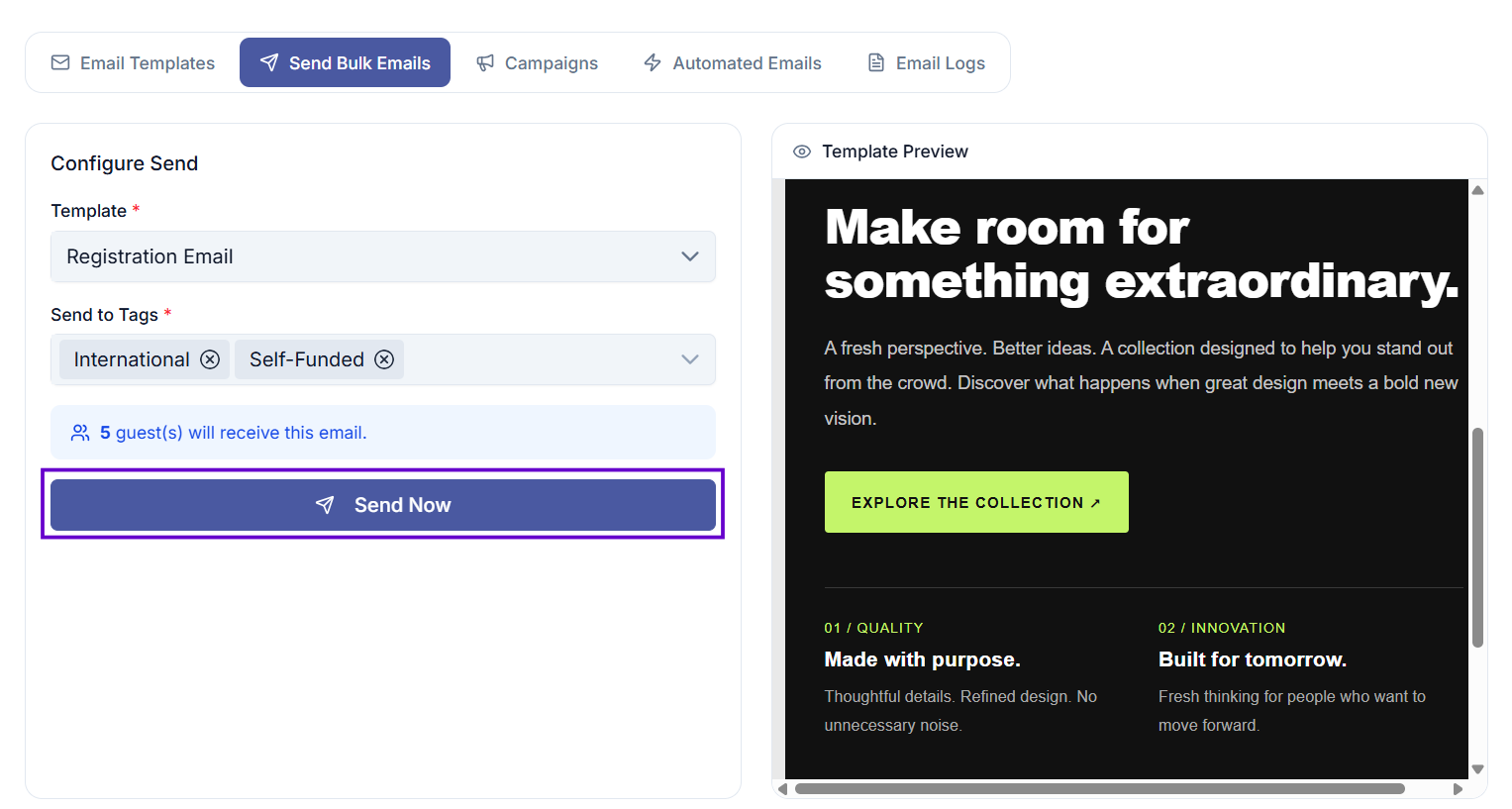
The number of guests who will receive the email is shown below the tag selector.
Step 3 — Send
Select Send Now. The email will begin sending immediately.
You will see a confirmation message once the send has started.
What happens after sending
- Emails are sent in the background to all guests in the selected groups.
- You can monitor delivery, opens, and other activity in Email Logs.
Common issues
No templates appear in the list
No email templates have been created for this event yet. Go to Email Templates and create one first.
Tags are greyed out or not available
The selected template may be restricted to specific tags. Only the allowed tags will appear. If you need to send to a different group, either remove the tag restriction from the template, or create a new template without tag restrictions.
The Send Now button is disabled
Make sure you have selected both a template and at least one tag.